
The SustainML Developer Framework v0.1.0 by eProsima offers an intuitive way to define machine learning problems, customize goals and hardware, and run iterative experiments. It seamlessly collects and visualizes key sustainability metrics such as latency, power use, and carbon intensity, helping you compare results across models and devices. With easy setup via source or Docker and built-in integrations like Hugging Face model search, it provides a streamlined environment for sustainable AI experimentation.
Introduction
The SustainML Developer Framework v0.1.0, built by eProsima, provides a seamless interface to its backend services and the core SustainML_Library v0.1.0. This framework thought the backend is able to:
- Define ML Problems
Specify the task you want the AI to solve—describe the problem statement, choose input/output modalities, select evaluation metrics, and set sample size constraints. - Customize Goals & Hardware
Either pick a predefined ML goal (e.g., classification, regression) and target hardware (CPU, GPU, PIM), or explicitly select your preferred model and device for fine-grained testing. - Run Iterative Experiments
Submit multiple “iterations” in one session, automatically reusing previous state or choosing a new model/hardware combination at each step. - Gather Performance Data
After each run, the framework collates latency, power consumption, carbon intensity, and custom metrics—presenting them in interactive tables and charts so you can compare results across iterations.
All of these capabilities are exposed through the SustainML_Library v0.1.0 API via its RESP-based interface.
Installation and running
This tutorial will show how to install and use this framework thought source installation, with its dependencies, or using docker:
- Source Installation & run –-> Linux installation and run
- Docker –-> Docker Installation and run
Demo Guide
Ones the framework is running the application will open, looking like this:
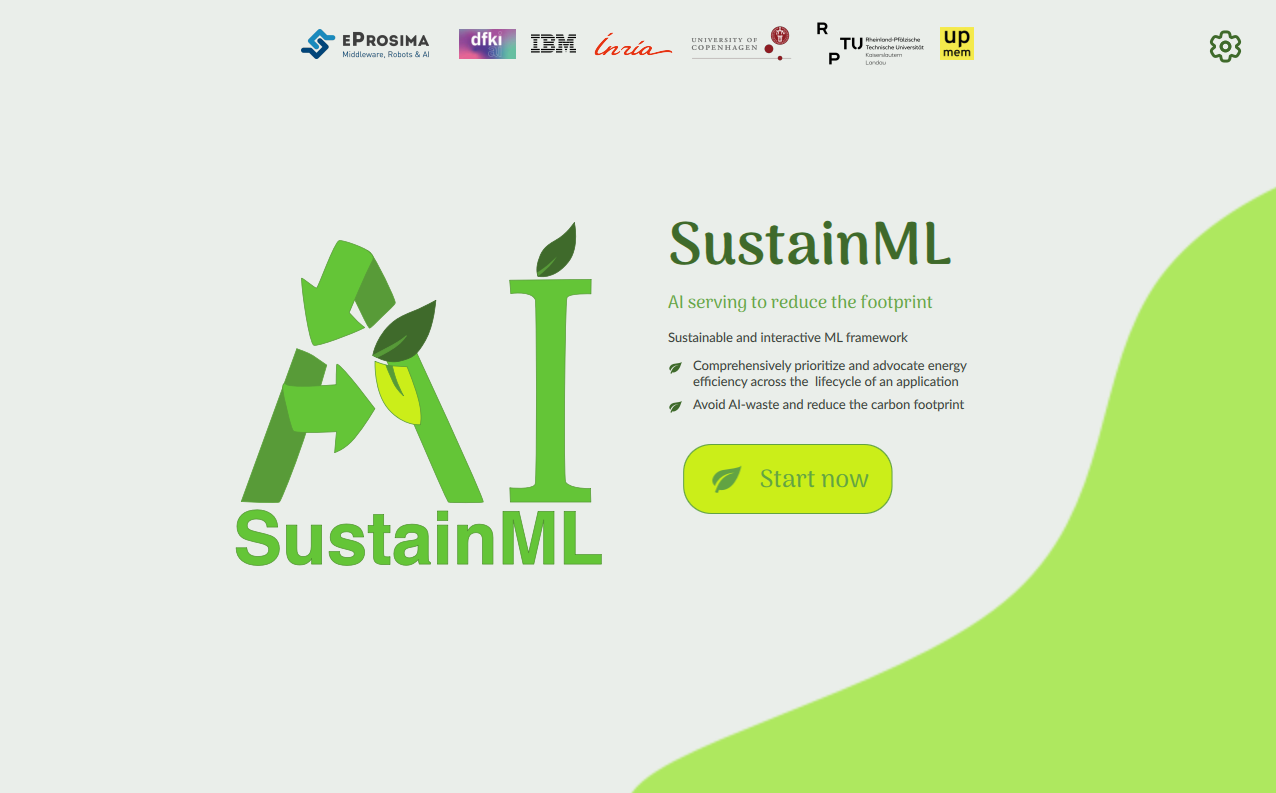
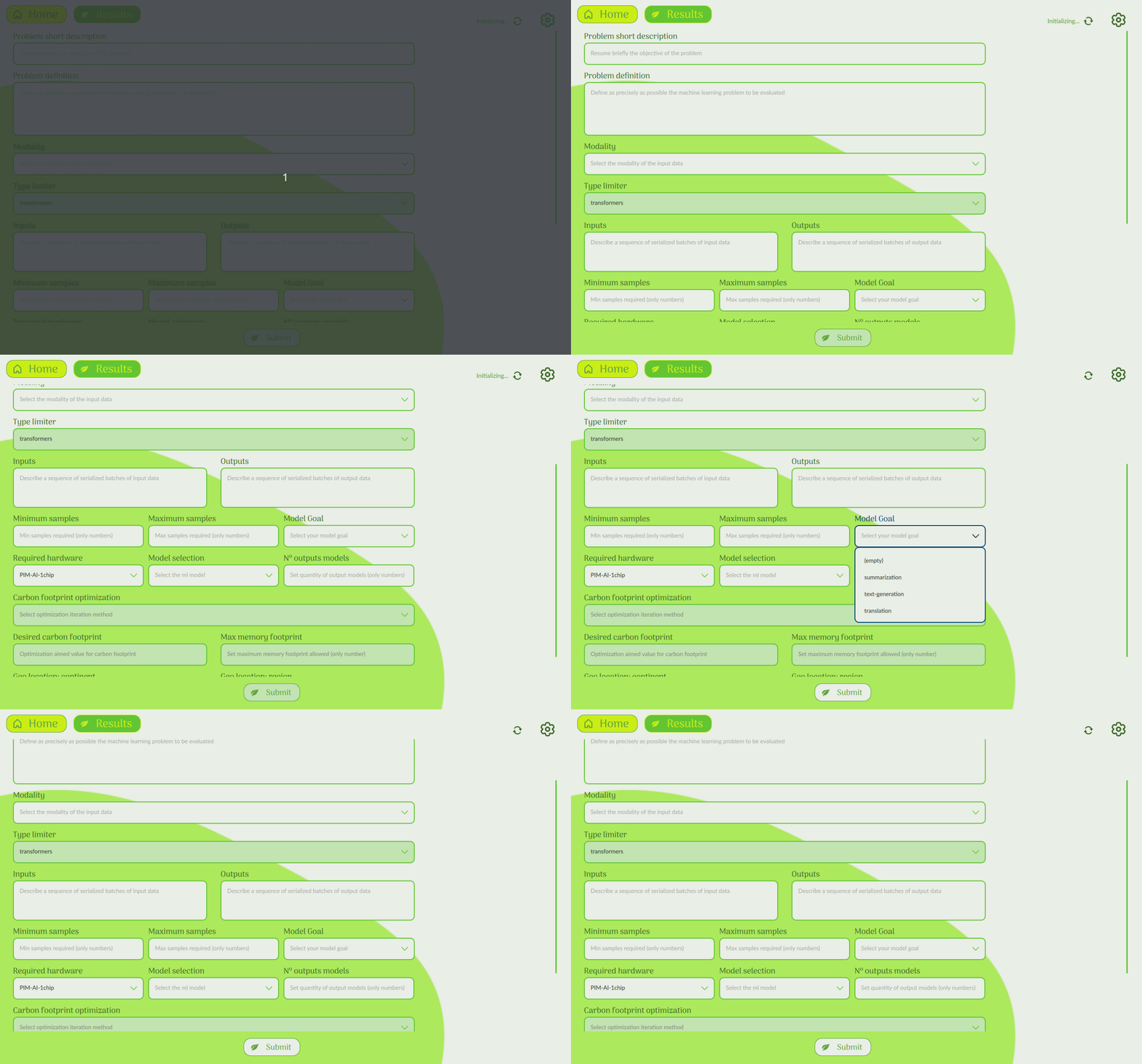
Clicking the “Start now” button takes you to the Problem Definition screen, where you can describe your task, select input and output modalities, choose relevant evaluation metrics, and configure other important parameters.
When the backend services are still initializing, the status indicator in the top-right corner (next to the refresh icon) will display “Initializing.” Once the frontend begins communicating with the backend—for example, fetching the available modalities list—the indicator switches to “Refreshing.”
After completing the problem definition—or alternatively, selecting the goal, model and/or hardware—click Submit. You’ll be taken to the Results screen. While your task is being processed, a message saying “Working on task, please wait” will appear. Once processing is complete, the results table will display all relevant sustainable metrics.
recourses -> demo_v0.1.0_
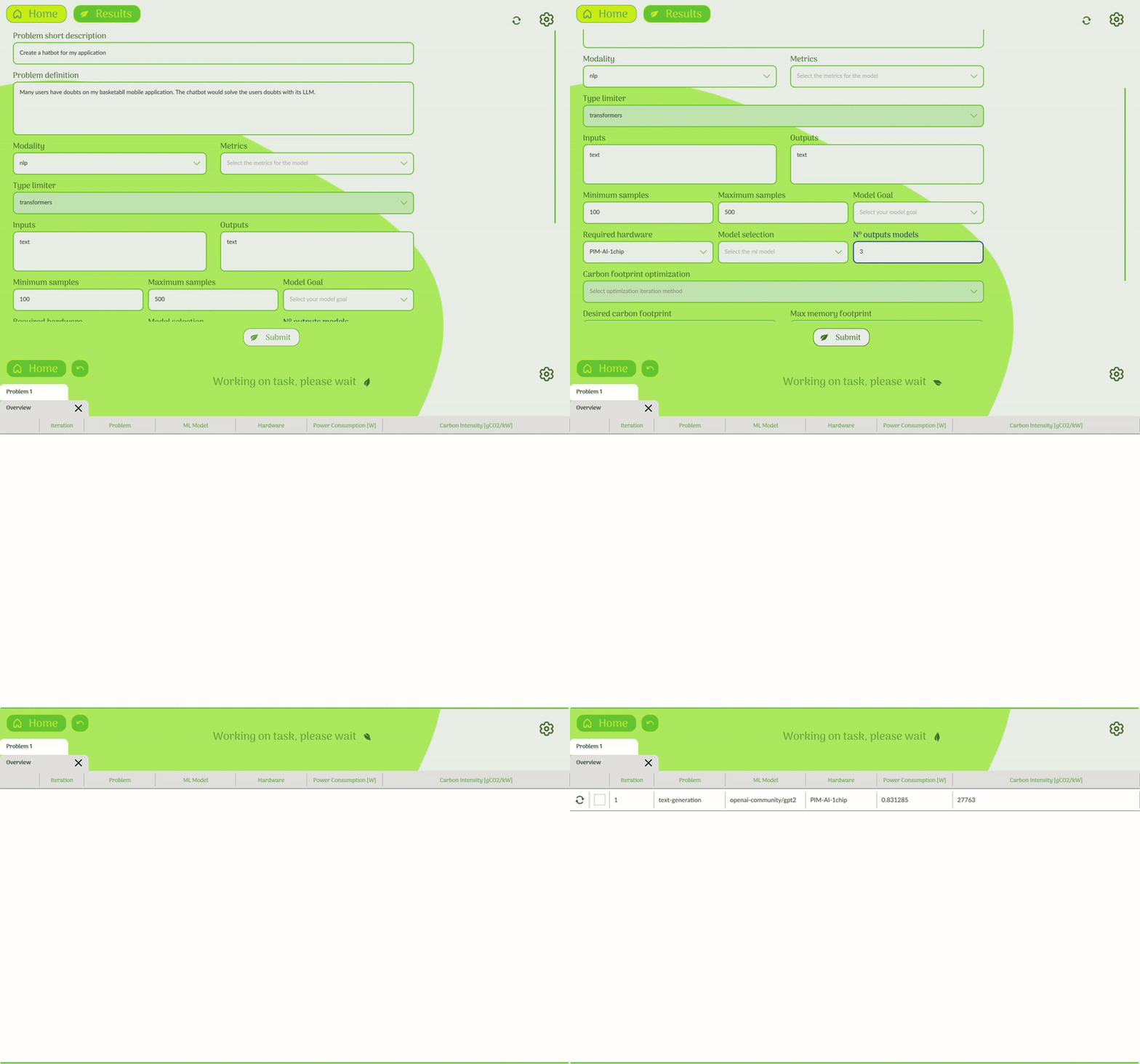
Once all iteration results are available (in this example, three different model runs), an Overview panel will summarize the key metrics of each. You can use the checkboxes next to each iteration to select those you wish to compare side-by-side.
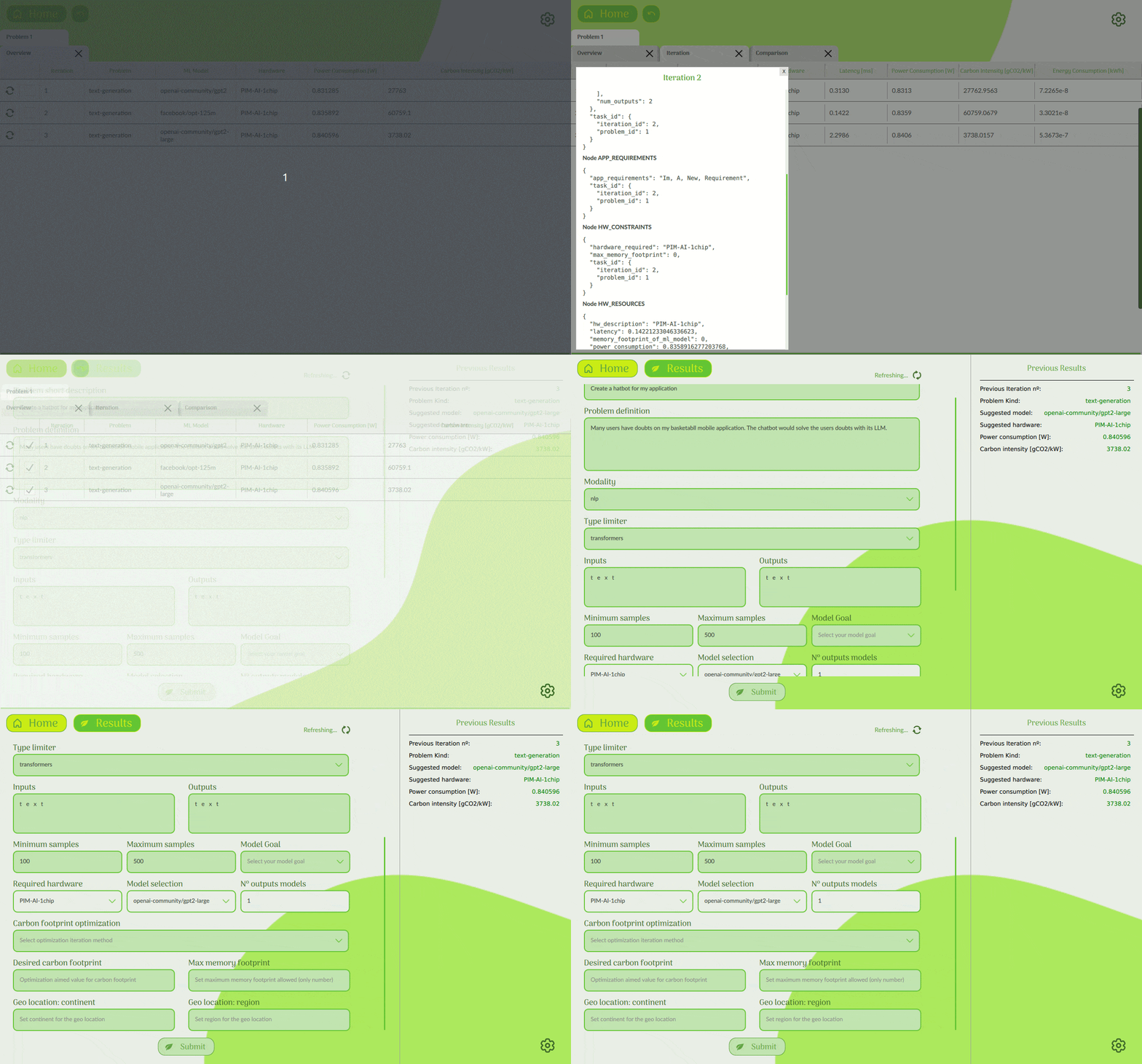
Beyond basic comparisons, the framework allows you to:
- Search and load models from Hugging Face directly within the app.
- View the full JSON output for any iteration in detail.
- Click the Overview icon beside any iteration to reiterate the task using a different model or hardware setup.
This completes the tutorial of the current features included in the SustainML Developer Framework v0.1.0.
Written by Javier Gil, eProsima
MORE INFORMATION ABOUT SUSTAINML:
If you have any questions, please get in touch with







 This project has received funding from the European Union’s Horizon Europe research and innovation programme under grant agreement No 101070408.